# How to Improve Your Mobile Connectivity When Traveling Abroad
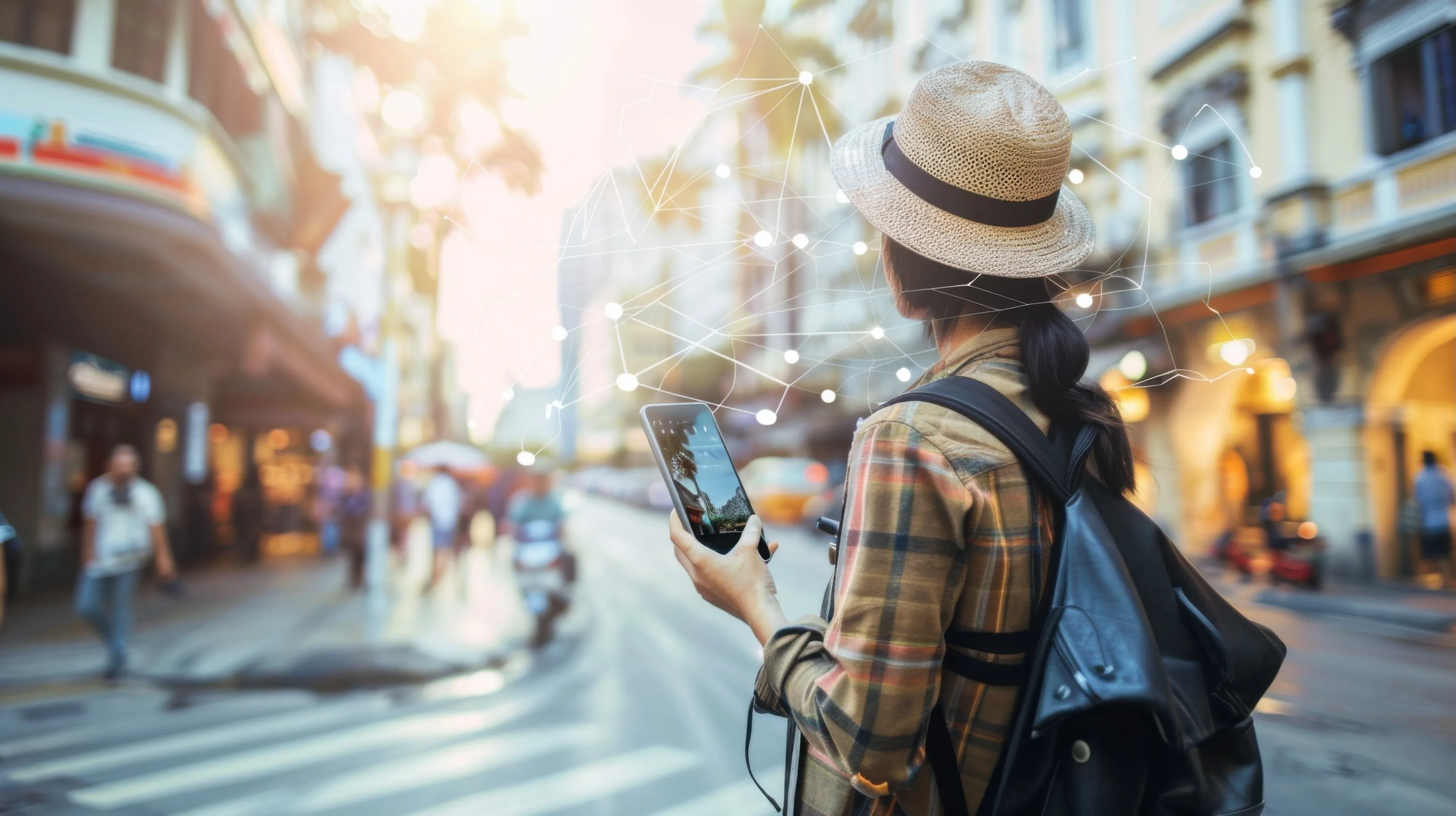
Traveling abroad is exciting, but nothing kills the mood faster than watching your phone lose its signal right when you need it most. Maybe you're trying to check directions or look up something simple, and your screen freezes because your cellular connectivity suddenly dips. It happens more often than people expect. A lot of it has to do with things like mobile network coverage, network quality, and even something as random as the cell site capacity of the place you just landed in.
The good news is that you can work around most of these issues with a few simple steps.
### **Start With Your Phone Plan**
Before anything else, it helps to look at your current mobile services. Some carriers give decent network coverage overseas, which helps a lot when [accessing websites](https://eztalks.com/blog/growth/7-reasons-why-fast-loading-websites-win-in-new-york). Others barely offer anything. That creates a big coverage gap between what travelers think they have and what actually works once they land. A quick check on your carrier's site tells you whether your user download speed will be normal or slowed down, or if your plan even supports mobile broadband abroad.
Don't skip this part. People assume their carrier handles broadband service automatically in every country, then get frustrated when their phone can't load a simple map.
### **eSIM or Local SIM: Either One Works**
There's no perfect answer here. eSIMs are simple. Local SIM cards are cheap. Both can help fill the usage gap between what your phone needs and what the local networks allow.
If you want something ready to use the moment you land, look into regional options like [eSIM Philippines](https://www.travelkon.com.au/product-category/esim/esim-southeast-asia/philippines-esim/), especially if you're traveling through Southeast Asia or making multiple stops. It's an easy way to get steady mobile broadband without searching for a kiosk or waiting in line at the airport.
An eSIM is nice because it activates fast. A local SIM card often gives stronger mobile network coverage because you're tapping into the region's own towers. Airports usually sell them, and most shops can get you connected quickly. Just make sure your phone isn't locked to one internet service provider, or it won't accept anything else.
### **Use Wifi, but Pick Carefully**
You'll see signs for public wifi everywhere. It's useful, but it's not always safe. Hotels and airports are usually fine, but random networks in crowded tourist spots can expose your information.
A VPN helps, but common sense does too. And even if you rely on wifi, keep in mind that it won't fix deeper issues with local network quality or weak cellular connectivity in rural places. Sometimes a country simply has limited satellite coverage or older infrastructure, and your phone can't do much about that.
### **Portable Hotspots Are Handy**
Some travelers carry a portable hotspot because it gives them their own reliable broadband service wherever they go. It's especially useful if you're doing work online or moving between places with spotty mobile broadband.
Hotspots also help people who aren't fully comfortable with their digital skills yet and want something straightforward that just works without constantly changing settings. And if you're traveling with others using laptop computers or tablets, sharing one hotspot is easier than fighting over weak hotel wifi.
### **Don't Forget Your Phone Settings**
A lot of problems come from one tiny thing: settings. Data roaming might be off. Your phone might latch onto a weak tower with terrible network quality. Sometimes switching networks manually gives you a better user download speed immediately.
If 5G isn't strong where you are, try 4G. Some countries haven't closed the coverage gap for 5G yet. Restarting your phone helps, too. It forces your device to search again for the strongest tower it can find.
### **Download Offline Tools for Backup**
Even if everything works perfectly, you'll still run into areas where the signal fades. Rural roads, mountains, old buildings, subway tunnels. Offline maps and basic translations save you from getting stuck.
This is handy when you're doing simple online activities like checking restaurant hours or figuring out transit routes. Downloading things ahead of time keeps you moving even when the mobile network coverage in the area isn't great.
### **Carry a Power Bank**
Phone batteries drain quicker when your phone struggles to get a signal. It's constantly searching for better cellular connectivity, and that eats power. A power bank fixes this problem in the simplest way possible.
Airports and train stations sometimes offer charging stations, but they fill up fast. A power bank gives you more freedom and keeps your phone alive when you're out exploring.
### **Update Your Phone Before You Travel**
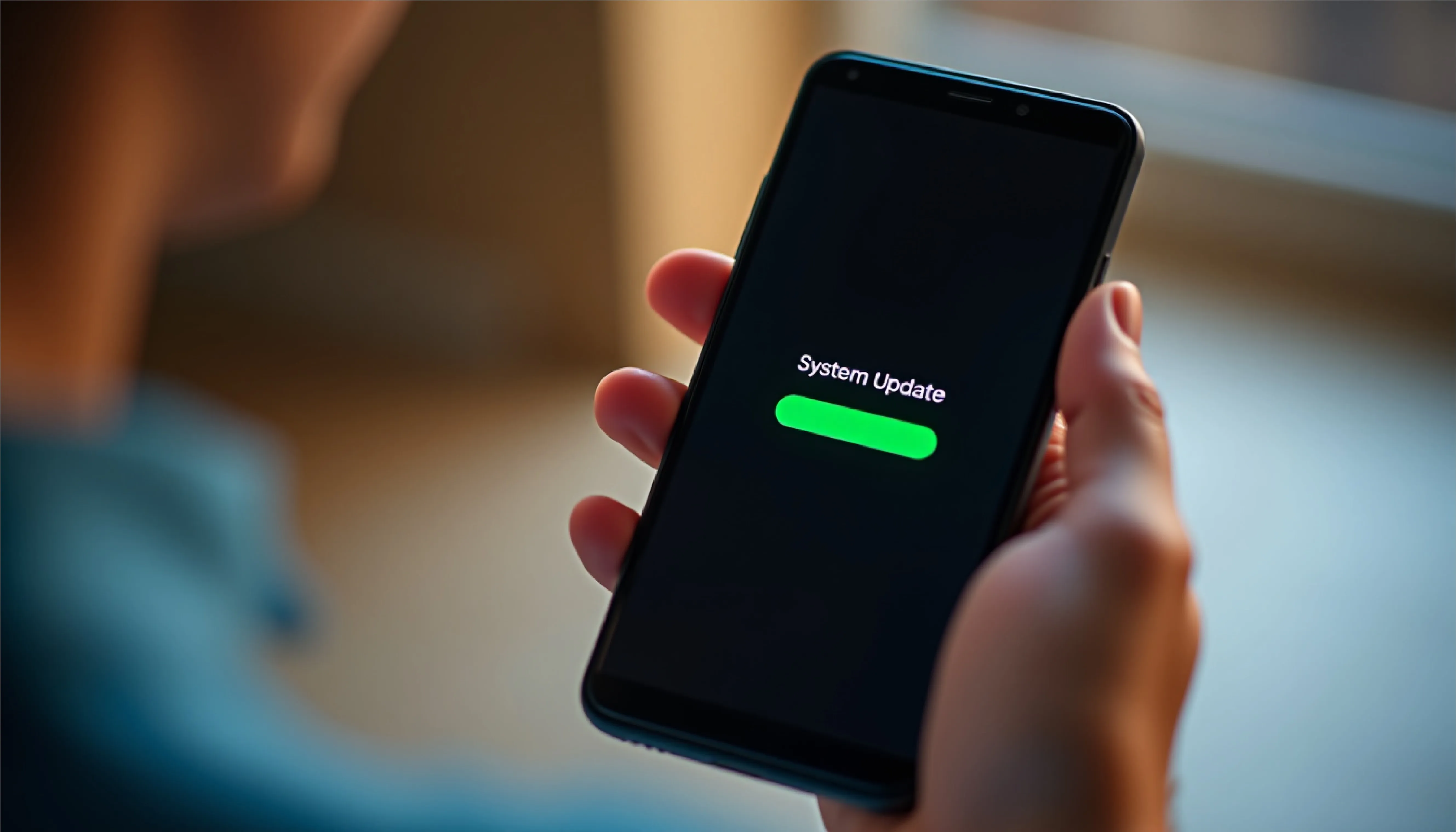
It may not seem important, but updates often improve how your phone handles foreign towers and mobile services. They also smooth out issues with older radios and compatibility problems with different regions' internet service providers.
Think of it as basic consumer readiness. [Preparing your device](https://www.nytimes.com/2025/04/30/technology/personaltech/travel-burner-phone-cbp.html) before you travel makes the rest of the trip easier.
### **Conclusion**
Staying connected abroad isn't perfect, but it doesn't have to be stressful. A little prep helps you avoid slow user download speed, unreliable public wifi, and random gaps in network quality. Whether it's a SIM card, a hotspot, offline tools, or just checking your plan, these small steps make a big difference. With the right setup, you'll spend less time worrying about your phone and more time enjoying the places you came to see.
---
# Agent Instructions: Querying This Documentation
If you need additional information that is not directly available in this page, you can query the documentation dynamically by asking a question.
Perform an HTTP GET request on the current page URL with the `ask` query parameter:
```
GET https://eztalks.gitbook.io/blog/voip/how-to-improve-your-mobile-connectivity-when-traveling-abroad.md?ask=
```
The question should be specific, self-contained, and written in natural language.
The response will contain a direct answer to the question and relevant excerpts and sources from the documentation.
Use this mechanism when the answer is not explicitly present in the current page, you need clarification or additional context, or you want to retrieve related documentation sections.